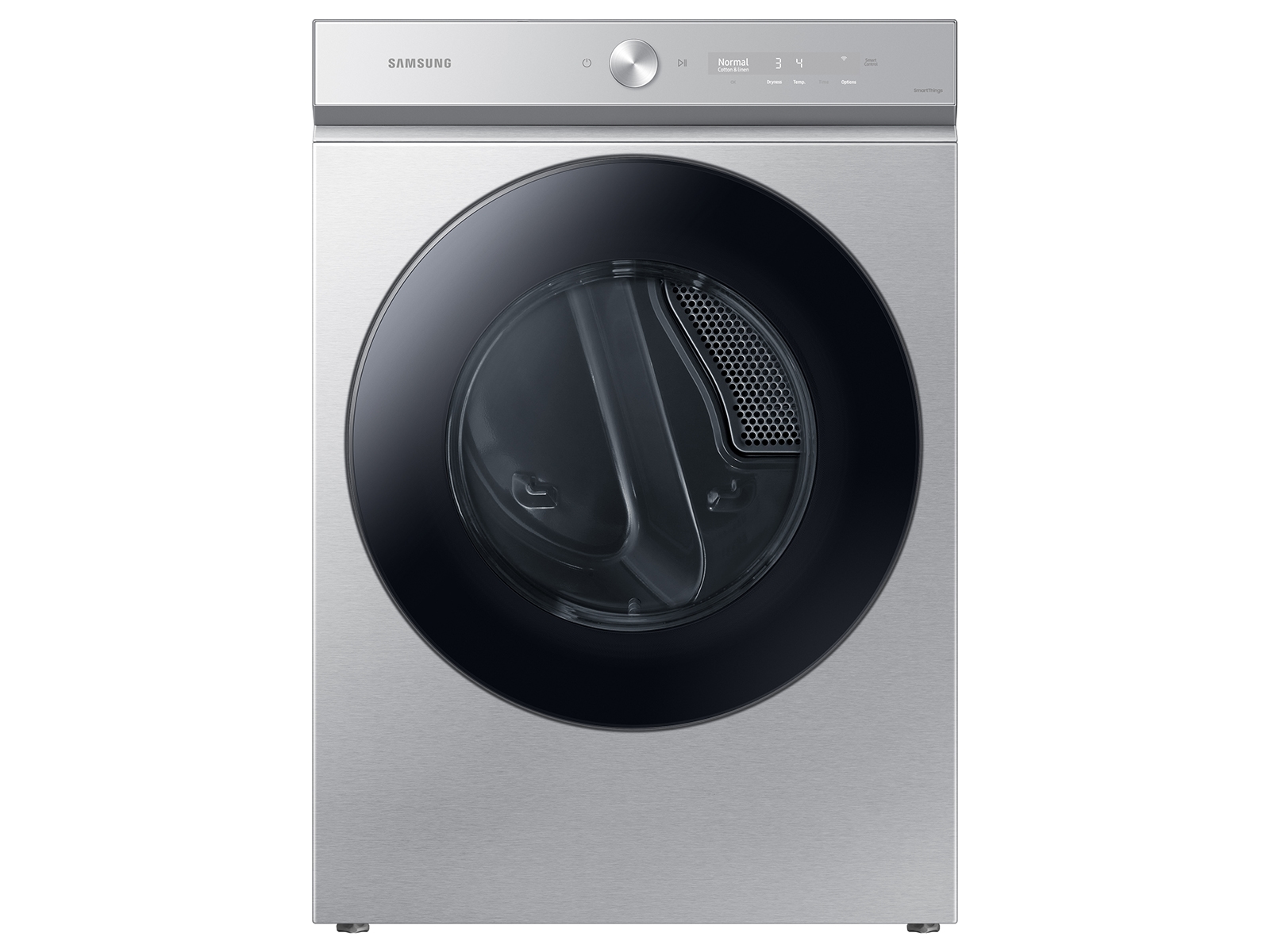
Samsung Dryer Maintenance Guide — Vent Cleaning, Sensor Care & More
This guide walks you through samsung dryer maintenance guide — vent cleaning, sensor care & more step by step. Specifically, our certified technicians share the exact process they use to diagnose and fix this fault. Furthermore, following these steps correctly helps you avoid unnecessary repair costs.
In addition, if any step seems unsafe or unclear, stop and call a certified technician. As a result, you protect both yourself and your appliance from further damage.
Need Professional Help?
If you prefer a professional to handle the repair, we make booking easy. Moreover, our technicians bring all necessary parts on the first visit, so you get a fast, reliable fix.
Additionally, the U.S. Department of Energy offers useful appliance efficiency and maintenance tips. You can also browse our appliance error code database if your appliance shows a fault code.
Frequently Asked Questions
How often should I clean my Samsung dryer vent?
Samsung recommends annual professional vent cleaning for typical household use. Specifically, households doing 6 or more loads per week, or those with pets that shed heavily, should clean every 6 months. The d80/d90/d95 warning codes are your in-machine signal that the vent needs attention — do not ignore them.
How do I clean the Samsung moisture sensor bars?
The two metallic sensor bars inside the drum (visible near the lint screen opening) collect a film of fabric softener residue that makes them read clothes as dryer than they are, causing premature cycle shutoff. Specifically, wipe both strips with a cloth dampened with rubbing alcohol (isopropyl) monthly. Do not use abrasive pads — they scratch the sensor surface.
My Samsung dryer takes 2 or 3 cycles to dry a load — what maintenance fixes this?
Extended drying times are almost always a vent airflow problem. Specifically, in order: (1) Clean the lint screen before every load. (2) Clean the full vent duct annually. Furthermore, (3) Clean the moisture sensor bars with rubbing alcohol monthly.
Additionally, (4) Ensure the exterior vent cap is not obstructed. As a result, if all are clear and drying is still slow, the heating element may be partially failed.

